An assistive tool can be brilliant in a product demonstration and frustrating in the actual work it was bought to support. The difference is often the app, authentication step or meeting platform sitting next to it. For a remote worker, an employer or a solo operator, the sensible purchase starts with a task, not a diagnosis or a software catalogue.
This guide is about choosing, trialling and supporting assistive technology in Australia in 2026. For the wider security and workflow setup, see the accessible and secure remote-work guide. For the meeting itself, see our accessible video-meetings guide.
Map the work before shopping
List a typical week’s tasks: reading and writing, calls, signing in, moving between apps, collaborating on documents and managing breaks. For each, note the exact point where work becomes harder or impossible. Two people with the same condition can need quite different tools because their applications, environment and working patterns differ. A task map also helps prevent an expensive purchase that never gets used because the actual barrier was somewhere else.
Record what the person already uses successfully, their preferred input and output, the applications involved and how to tell whether a trial worked. The employee should be central to that decision. Do not require them to demonstrate a diagnosis to a software vendor just to find out whether a keyboard shortcut works.
Trial built-in controls before buying more software
Dictation converts speech to text; voice control operates the computer with spoken commands. They solve different problems. Windows, macOS and mobile platforms offer built-in options worth trialling first. Dictate a real email and navigate the actual applications in the job, including their specialist terms. Test in the working environment, where noise, fatigue and connectivity can change the result.
For reading and navigation, Windows Narrator, NVDA and Apple VoiceOver are screen-reader options, while operating systems also offer magnification, display scaling, contrast adjustments and cursor controls. The decisive test is not the feature list; it is whether the person’s screen reader works in their CRM, finance system, ticketing platform and authentication screens. A tool that reads the word processor perfectly but cannot complete a customer record is not a complete solution.
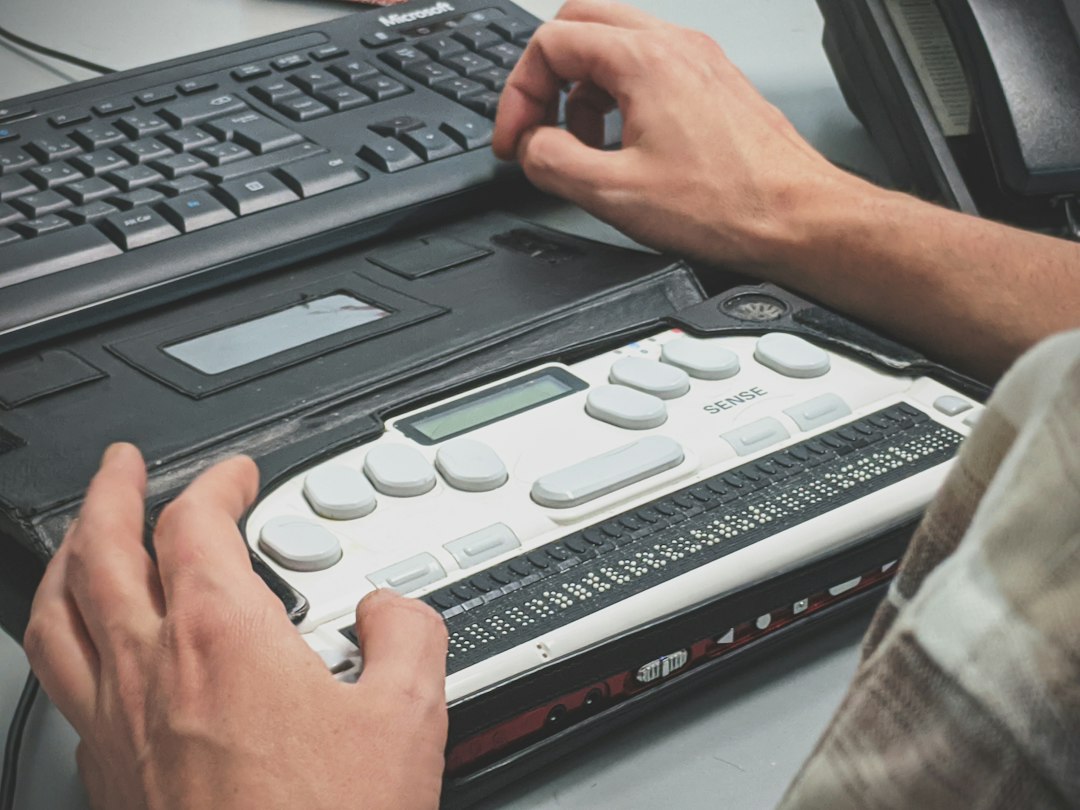
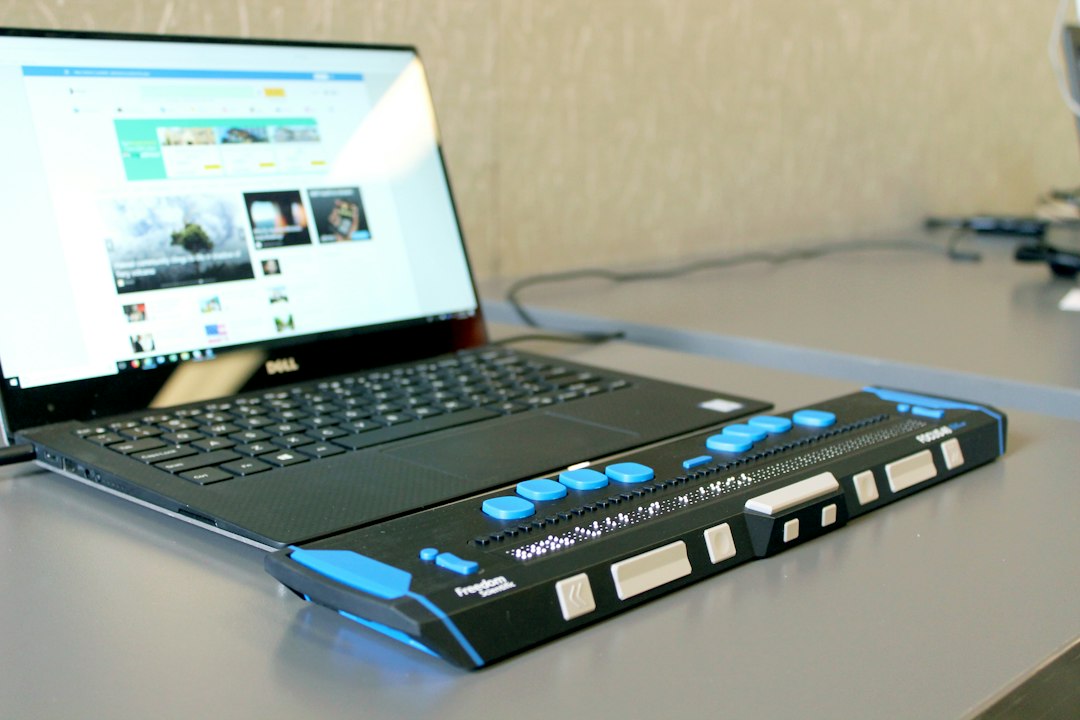
Alternative input such as switches, eye tracking and specialised pointing devices can be valuable when simpler methods do not meet the person’s needs. They may also require calibration, training and ongoing technical support. Trial them with a knowledgeable practitioner rather than buying on a generic recommendation. A physical setup – lighting, screen position, noise, seating and breaks – is part of the technology decision too.
Captioning and transcription are separate purchases
Automatic captions can help someone follow a live call; a transcript helps them revisit it later. Human captioning and Auslan interpreting meet different needs again. Ask the participant what works. Compare actual audio with the displayed text when speakers overlap or use names and technical vocabulary. The W3C Note on accessible remote meetings emphasises that accessible participation also depends on how the host runs a call and shares its material, not merely on the platform’s feature list.
A specialised transcription service may offer editing or review, but do not assume it is automatically more accurate than the captioning already in your platform. Run a short trial using the same business-specific words across options. Decide in advance who can access a recording and whether a usable text record can be provided without distributing sensitive video unnecessarily.
Authentication belongs in the assistive-tech trial
A beautifully accessible app does not help if the person cannot pass its sign-in prompt. Test passwords, MFA, passkeys, lost-device recovery and any timed approval step with their actual input method and screen reader. A passkey or security key may remove friction for one worker; a particular biometric or phone-only flow may exclude another. Plan at least one secure recovery route the person can operate without borrowing someone else’s device or weakening the account.
Include vendor updates in the trial. An authentication change can break a workflow that worked last month. Ask who owns the identity platform, who can fix a locked account and how the accessible path will be retested after a major rollout.
Use AI assistance with an owner and a privacy check
AI summaries, transcription and action extraction can help someone revisit a discussion or manage fatigue. They can also misattribute speech, invent an action or disclose sensitive information to a service nobody assessed. Treat generated notes as drafts, assign a person to check them and decide which meetings should not have an automated note-taker at all.
The OAIC’s guidance on commercially available AI products advises particular care with personal and sensitive information in publicly available generative AI services. For a prospective workplace tool, ask where recordings are stored, who can see them, how long they remain, whether they train a model, and how they are deleted. Privacy obligations vary by organisation; the technical question is still worth asking even if a particular small business falls outside the Privacy Act.
Check JobAccess eligibility before spending
Australia’s Employment Assistance Fund (EAF) guidance describes potential support for eligible workplace adjustments. Its examples include screen-reading and speech-recognition software, braille devices, alternative computer accessories, interpreting and support services. The program is not a promise that every tool or every applicant will qualify. Standard equipment that an employer would ordinarily supply is treated differently from disability-specific adjustments.
Check the eligibility criteria and current EAF guide, then obtain the relevant approval before purchasing in reliance on reimbursement. If you work for yourself or contract to others, confirm your exact circumstances with JobAccess rather than assuming you qualify or are excluded. Funding limits and conditions can change; use the current program guidance, not a number remembered from a blog post.
For eligible employees with disability, the Fair Work Ombudsman explains the right to request flexible working arrangements and the employer’s response process. Funding a tool and agreeing how and where work happens are related decisions, but the legal request process is not the same as a contractor negotiating with a client.
A short procurement test
- Choose two or three real tasks and agree what success looks like with the person doing them.
- Trial built-in options first, then a shortlist of specialist tools if a gap remains.
- Complete the tasks in the actual work apps, including sign-in, a meeting and recovery from an error.
- Check privacy and accessibility when an AI feature or cloud account is part of the workflow.
- Confirm eligibility and approval before buying anything on the assumption of EAF reimbursement.
- Budget time for training, a named support contact and a retest after major software changes.
SenseICT can help assess how devices, identity, meetings and business applications work together, then plan a test and a support process. Explore our ICT consulting solutions or talk to Matt about the workflow. This is technology and process support, not a guarantee of EAF funding or a substitute for an individual assessment.