
A business does not need Kubernetes just because its website is important. It needs an appropriate place to run the workload, someone responsible for operating it and a tested way to recover. The simplest architecture that meets those requirements is often the best one.
Dedicated servers, virtual machines and containers solve different problems. A cluster adds useful coordination, but also adds systems that must be understood, upgraded and monitored. Choose on the basis of the work and failure modes, not the fashion.
Start with the business requirements
List the applications, users, peak activity and integrations. Decide what happens if the service disappears and which data can be reconstructed. Define acceptable data loss and restoration time before comparing hosting plans. The recovery checklist provides a practical starting point.
Identify who will maintain the platform when the usual person is unavailable. A technically elegant system with no available operator can be a poor business choice. Include documentation, access and escalation in the architecture rather than treating them as administration afterward.
A virtual private server is often enough
A VPS gives you a virtual machine to operate. You still need to maintain the operating system, applications, credentials, monitoring and backups unless a managed service explicitly takes on those jobs. It can be an appropriate platform for a small application or a controlled set of workloads.
Its simplicity is valuable. A failure is easier to reason about when there are fewer moving parts. A single machine can also be a single point of failure, so decide whether rebuilding from a tested backup meets the business requirement. Do not call that arrangement highly available just because the provider’s underlying hardware is redundant.
For a WordPress-only workload, compare the whole operating cost against managed hosting responsibilities. The lowest server invoice may not be the lowest total cost once administration and recovery are included.
Containers improve packaging, not every failure mode
Containers package application components and dependencies into repeatable images. They can make deployments easier to reproduce and separate conflicting software requirements. Persistent data, secrets, networking and updates still need a design.
Docker’s security guidance explains the importance of isolation, privileges and daemon access. A container is not automatically equivalent to a separate virtual machine, and mounting a host directory or granting excessive privilege can weaken the boundary you expected.
Keep databases and uploaded files in deliberate persistent storage, not in a disposable application’s writable layer. Back up the data as well as the deployment description. Rebuilding the same image is not restoring the orders that were stored beside it.
What Kubernetes actually adds
Kubernetes’s official overview describes declarative management, scheduling, rollouts, service discovery and self-healing. Those capabilities are useful when operating multiple workloads and coordinating changes across machines.
They do not make an application automatically resilient. A restarted container may still depend on a failed database, unavailable storage or an external service. Horizontal scaling also requires the application and its state to support multiple copies. Adding web replicas does not remove a database bottleneck by itself.
The documentation explicitly notes that Kubernetes does not provide every application service, monitoring system or storage implementation as a complete built-in platform. Budget for those components and the people who maintain them.
Know what should remain managed elsewhere
You do not need to operate every component yourself. A managed database, email service or backup platform may reduce work, provided its limits, security and exit process fit the requirements. Compare the service contract and data flow rather than assuming managed means maintenance-free.
Location also remains a separate choice. Read the Australian hosting guide to distinguish local infrastructure from a complete claim about residency, support or privacy.
Decide how changes enter the system
Document configuration and use a repeatable release process. Review a change before deployment, keep secrets out of version control and retain enough evidence to explain what happened. The automation guide covers dry runs, partial failure and rollback.
For a cluster, declarative delivery can make drift easier to detect. For a VPS, configuration management can provide the same basic benefit without adopting an orchestration platform. The desired outcome is a supportable system, not a particular product logo.
A comparison you can discuss with a consultant
- Managed application hosting: fewer platform responsibilities, but clarify scope, limits and export options.
- VPS: relatively simple and flexible; you or your provider operate the machine and recovery.
- Containers on a VPS: repeatable packaging with deliberate persistent storage and lifecycle management.
- Kubernetes: distributed workload coordination with a larger operational surface and additional dependencies.
Each can be appropriate. Ask for the failure diagram, restoration procedure, update responsibility and likely operating effort. If the proposal cannot explain those plainly, more technology will not make it clearer.
Before approving the architecture
Request a test showing the main user task, a recovery exercise, secure administration and a clear change process. Include actual traffic and uncached requests where performance matters. The Core Web Vitals guide helps separate user experience from infrastructure specifications.
Talk to Matt about the workload, budget and support needs. I would rather recommend a well-operated simple service than a cluster that gives a small business more things to worry about.
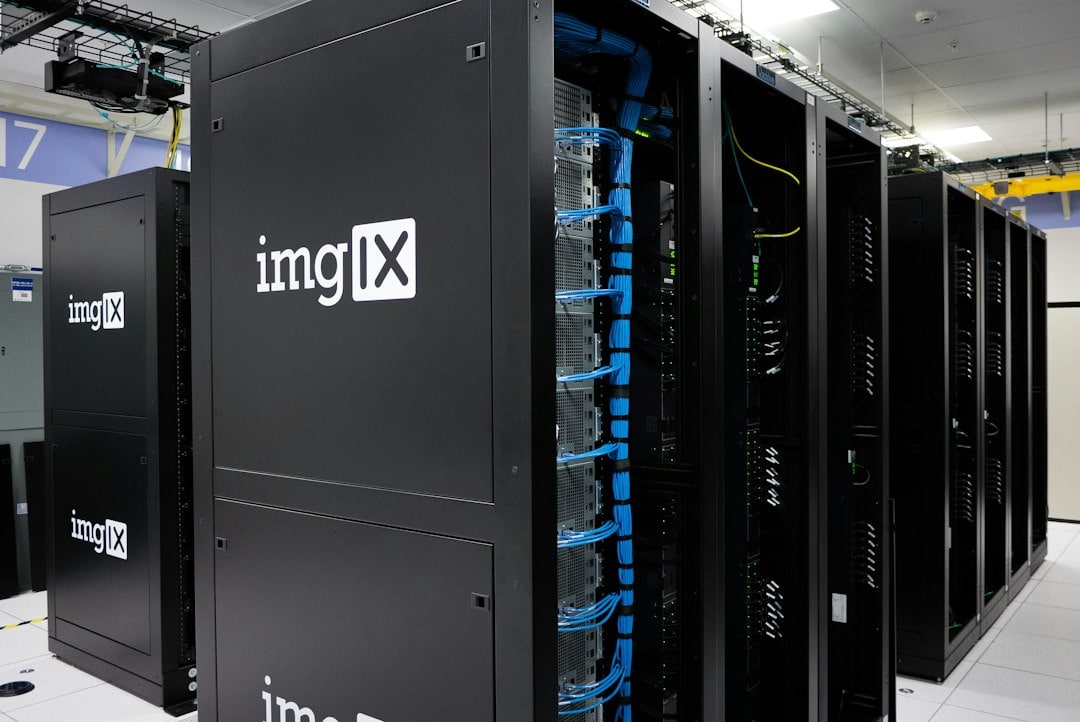
Featured photograph: imgix / Unsplash. Illustrative stock image.