
The cheapest hosting plan is not automatically a bad choice. A small, low-risk website may need very little. The expensive mistake is buying a plan for one workload and discovering that your shop, booking system or membership site needs another. Compare the responsibility you are buying, not just the monthly number.
Total cost includes the hosting fee, licences, maintenance, staff time, recovery work and the effort required to leave. None of those needs a frightening industry-average downtime statistic to matter. Use your own business’s exposure and a clear list of requirements.
Start with the workload and the consequence of failure
Write down what runs on the site: public pages, forms, checkout, accounts, subscriptions and integrations. Note the busy periods and which actions cannot be served from a public page cache. A shop with active carts needs different testing from a static brochure page.
Define how much work you can afford to lose and how long you can operate without the site. Those become backup and recovery requirements. The business recovery checklist helps turn that discussion into actual accounts, files and recovery steps.
Ask what the resource limits mean
Storage and bandwidth are not a complete description of a hosting account. Ask about CPU, memory, concurrent processing, database limits and what happens when you reach them. A vague unlimited label should not replace the limits in the service terms.
Measure relevant requests before assuming you need more capacity. A slow application query may consume resources even on a generous plan. The hosting-performance guide explains the distinction, while Core Web Vitals describes what visitors experience.
Managed means nothing until responsibility is written down
Who updates WordPress, themes and plugins? Who checks compatibility? Who investigates a failed update? Who handles a compromised account? Managed can describe anything from automated updates to a broader operational service. Read the scope rather than assuming the word covers every task.
WordPress’s hardening guidance explains layered security and keeping software current. Ask the provider which layers it operates and what remains yours. A firewall does not remove the need for secure accounts, and a backup does not remove the need to patch.
The WordPress security checklist provides a starting point for the discussion. A hosting contract should explain who completes those actions and how exceptions are handled.
Backups need a restore process, not just a checkbox
Ask which files and databases are included, how often copies run, how long they remain and whether access is separate from the live environment. Find out what a restore costs and who performs it. Confirm that backups include the data the business cannot easily recreate.
A test restore is more persuasive than a screenshot of a successful backup job. For an active shop, restoring yesterday’s database can lose today’s orders. Plan the recovery and reconciliation process before an incident forces the decision.
Compare support and exit costs
Check support hours, escalation, response targets and exclusions. A rapid response can still mean a long restoration if nobody has the relevant access. Agree who can authorise changes and where incident records are kept.
For exit, ask whether you can export the site, database, DNS records and any proprietary configuration. Keep the domain registered under the correct business account. The domain and email control guide explains why ownership is part of continuity, not an administrative nicety.
Look at renewal prices and licence ownership as well as introductory discounts. If a bundle includes paid plugins, understand what happens to updates and support when you leave. The website should not become an unusable hostage to a licence you never controlled.
Location and complexity are separate decisions
Use the Australian hosting location guide to check latency, data flows and support arrangements. An Australian address alone is not a complete residency or privacy answer.
For custom applications, consider VPS, containers and Kubernetes only after deciding who will operate them. A simple managed service can cost less overall than a cheap server that requires hours of administration.
Build a like-for-like comparison
- Normal and peak workload, including uncached actions.
- Resource limits and overage behaviour.
- Update, security and monitoring responsibilities.
- Backup frequency, retention and tested restoration.
- Support channels, hours and escalation.
- Location and third-party data flows.
- Renewal price, licences, migration and exit costs.
Put the same questions to each provider. If a higher price buys tested restoration, useful support and appropriate capacity, it may be worthwhile. If the cheap plan meets your documented requirements, paying more for a slogan does not help.
DomainCastle is my managed WordPress hosting brand. Talk to Matt about what the site actually does and the support you need. The useful outcome is a clearly scoped arrangement, not a promise that any particular price makes a website safe.
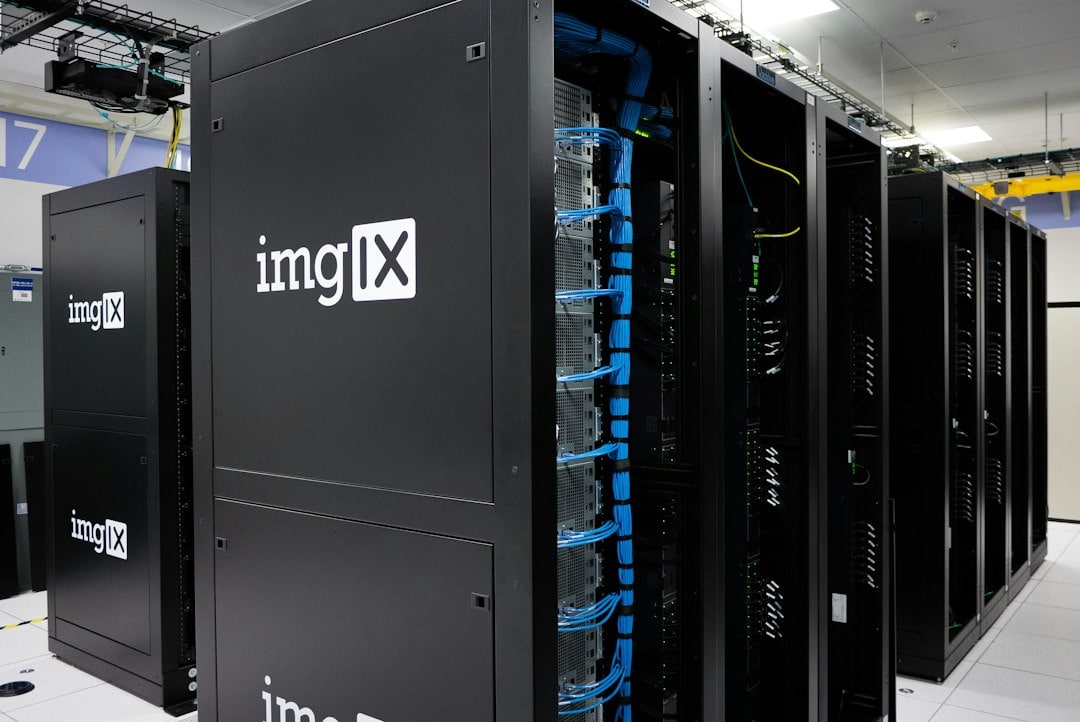
Featured photograph: imgix / Unsplash. Illustrative stock image.