Last updated on October 2nd, 2026 at 01:20 pm
A slow WordPress site needs diagnosis before another speed plugin. The cause can be hosting, application work, network travel or the page itself. Here is how to investigate with measurements rather than assume a migration will fix everything.
Low-cost hosting can suit modest workloads. Problems arise when resource limits, support and recovery arrangements do not match the site. Compare the actual service scope and measurements rather than assuming price alone proves performance.
First, learn to read TTFB — the honest metric
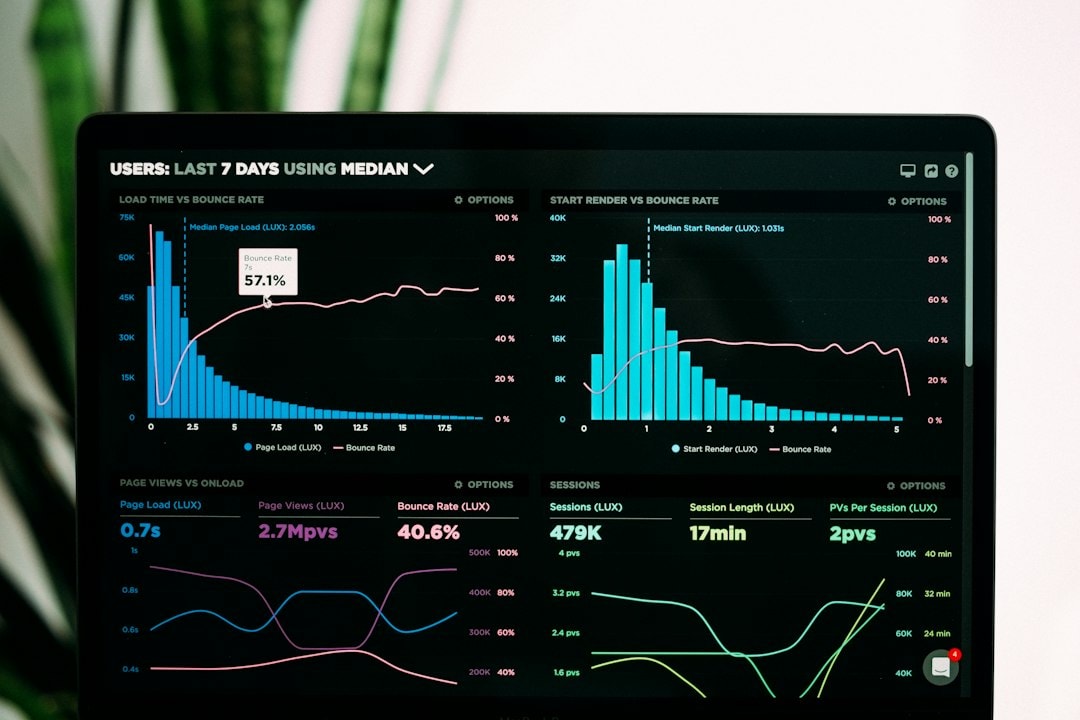
Time to first byte (TTFB) is how long the browser waits before the server sends anything at all. It includes network travel and server-side application work, so it is useful diagnostic evidence rather than proof that hosting alone is responsible. Theme and plugin work can affect it too. Rough guide on a cached page:
- Under 200ms — properly tuned hosting. Nothing to fix here.
- 200–600ms — workable, with room to improve.
- Over 600ms – investigate the network, cache status and server-side application work before deciding whether the host is the bottleneck.
Measure it in your browser’s developer tools (Network tab, first request) or any TTFB checker. If the number is ugly, everything below explains why — and most of the causes are hosting-side.
The usual suspects, in order of likelihood
1. The shared hosting squeeze
Your site shares a server — CPU, memory, disk I/O — with hundreds of others, and the host throttles each account to make that work. The limits have names you’ll see in hosting control panels: entry processes, PHP workers, execution allotments. Hit the cap and requests queue. Add a “noisy neighbour” site having a busy moment on the same box, and your TTFB triples — through no fault of anything you installed. “Unlimited” bandwidth and storage don’t help; the scarce resource was never storage; it’s compute.
2. No server-level caching
WordPress generates every page in PHP — database queries, plugin logic, theme template — for every single visitor. Server-level page caching (LiteSpeed’s cache, nginx fastcgi_cache) stores the finished HTML and serves it without running PHP at all, which is why a good host can serve a cached page in tens of milliseconds. Some caching plugins can serve static HTML through server rewrite rules without running PHP for every cache hit. Check the actual serving path; WordPress’s optimisation guidance explains the wider options.
3. Missing object cache and opcache
Two different things people confuse. Opcache stops PHP from recompiling your code on every request — free performance many budget hosts leave switched off. An object cache (Redis or Memcached) stores repeated database query results in memory. It matters most when the page cache can’t be used: logged-in users, WooCommerce carts and checkouts, membership sites. An online store with no object cache pays for the same product query again and again on every request.
4. Front-end weight
Once the server’s fast, the page itself can still be heavy (and if you’re wondering whether the server or the page is your problem, the speed-audit walkthrough explains the investigation): uncompressed images served as full-size JPEGs (modern formats like AVIF and WebP are often a quarter of the size), five font families where one would do, render-blocking CSS and JavaScript stacked in the head, and third-party scripts — chat widgets, trackers, embeds — each adding their own round trips. One caution from the trenches: don’t lazy-load your hero image. It’s the first thing visitors see; lazy-loading it delays your Largest Contentful Paint for no bandwidth benefit. (And if you do build with a page builder, use one that’s actively maintained — Elementor is the mainstream option, and Crocoblock extends it for dynamic sites. They’re convenient; they’re also not what I’d choose when every millisecond counts.)
5. No CDN, and slow DNS
If your server sits in one city and your customers don’t, physics is against you — every visitor far from the data centre pays latency on every request. A CDN caches your assets at the edge near your visitors. And DNS is the very first lookup before anything else happens; an anycast DNS provider can answer from a nearby node rather than one fixed location. Both are cheap wins that cheap hosting often skips.
The fix, in order of impact
- Move to properly tuned managed WordPress hosting — LiteSpeed or Nginx with server-level page caching, Redis object cache, modern PHP, a CDN and anycast DNS. (Ours is DomainCastle®; whichever you choose, ask the questions below.)
- Turn on the caches your host provides — page cache and object cache. This is configuration, not surgery.
- Cut page weight — modern image formats at proper sizes, drop unused plugins, defer non-critical scripts.
- One font family. Maybe two. We said what we said.
Prioritise these changes according to the evidence from your site. A hosting move can help a demonstrated server bottleneck, but it is not a promise of a particular speed improvement.
Five questions to ask any WordPress host before you pay them
- What’s your TTFB on a cached page, and will you show me a live test?
- Is page caching server-level (LiteSpeed/nginx) or plugin-only?
- Is Redis or Memcached available for object caching?
- How many PHP workers/entry processes do I actually get?
- Where are backups stored, how long is retention, and how do I restore one myself?
Security also needs explicit responsibilities for updates, access, monitoring and recovery. Ask for specific written answers and read the exclusions in the uptime agreement. Neither a low price nor a marketing phrase tells you whether those arrangements meet your needs.
Want the numbers for your own site before you decide anything? I offer a free speed audit — pick “Book a free speed audit” on the contact page. Real measurements, plain English, no obligation.
For buying decisions, compare the full cost and responsibility of hosting and what Australian server location does and does not change. Use Core Web Vitals to check the customer experience, not only server specifications.
Affiliate Disclosure: This article contains affiliate links. If you click an affiliate link and make a purchase, SenseICT may earn a commission. Product links are not a guarantee of suitability or compliance; assess each product against your requirements.